


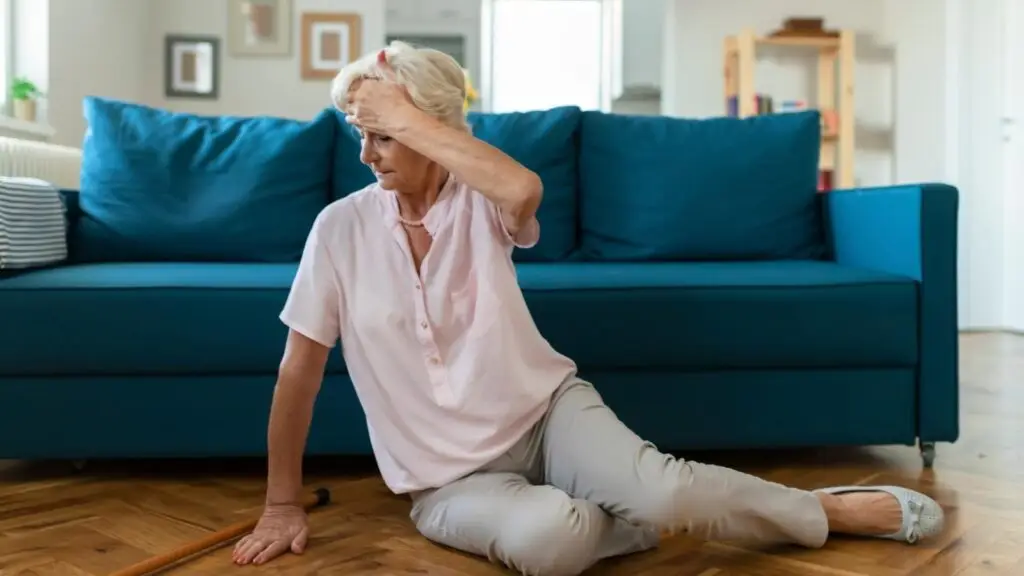
| Fall alerts are a key feature of the Acticheck wristband and have literally been life-saving for many. However, for some they may take a little getting used to. Here are some of the most common questions we get asked about them. How do fall alerts work? As with any other wrist-worn device, using movement as a method of detecting falls can never be 100% reliable. There will always be a compromise between valid detections and false alarms. The wristband is monitoring for a jolt followed by a period of inactivity, and if we detect that we will start our fall checks – where the wristband vibrates and the wearer gets an automated phone call, giving them a couple of opportunities to cancel the alert. Our working assumption is that if the wearer is moving, the jolt was part of a normal activity, or that they are being tended to, or that they will squeeze the buttons together to call for help if they need it. Remember: The Acticheck system arrives with fall alerts turned off. It is important that you understand how the system works and set it to your needs in MY BAND. Why do I get false alerts? Sometimes you get a false alert when you are least expecting it. The wristband might detect a jolt when the wearer has maybe sat down in a chair and their arm has gone down heavily, but they don’t move for a while because they’re watching TV. One of the most common false alarm activations occurs when the wearer is getting into bed where there can be a sudden movement followed by a long period of inactivity, which is very difficult to distinguish from a genuine fall. This is why we have the Day/Night Mode function – during sleep most people naturally change position then remain still. This can be interpreted as a fall resulting in an unwelcome false alert in the middle of the night. Day/Night mode extends the inactivity period to 2 hours during the night. By default this is set to ‘on’ when you activate fall monitoring. The time defaults to 9pm until 7am – this period has been selected to be longer than the period of deep sleep for the majority of people. You can also alter the mode times to suit the wearer’s sleep patterns by using the slider and then by clicking on ‘save changes’ at the top of the page. If you decide to turn off this facility, you may get false positive alarm calls during the night. Remember: You can stop any alert by simply pressing a single button on your wristband. Why didn’t my wristband go off when I actually had a fall? As we said, every fall is different and Acticheck can never detect 100% of falls. However, when we get asked this question, it’s often been the case that the wearer was with someone who helped them up, or they were able to move themselves, so there wasn’t that period of no movement that our alert system would look for when detecting falls. Remember: If the wearer is able to move after a fall, they should always try to raise an SOS manually by squeezing both buttons on their wristband. |
| To find out more, visit www.acticheck.com/support/fall-detection |